


The list of services is being updated.
For all necessary information, you can contact us by phone: 8 (8652) 20-55-66


The list of services is being updated.
For all necessary information, you can contact us by phone: 8 (8652) 20-55-66
The list of services is being updated.
For all necessary information, you can contact us by phone: 8 (8652) 20-55-66
Test results at our medical centre can be obtained in several ways. All available options are described below, as well as the rules for accessing the results of relatives (for example, children or parents) and an explanation of the readiness statuses.
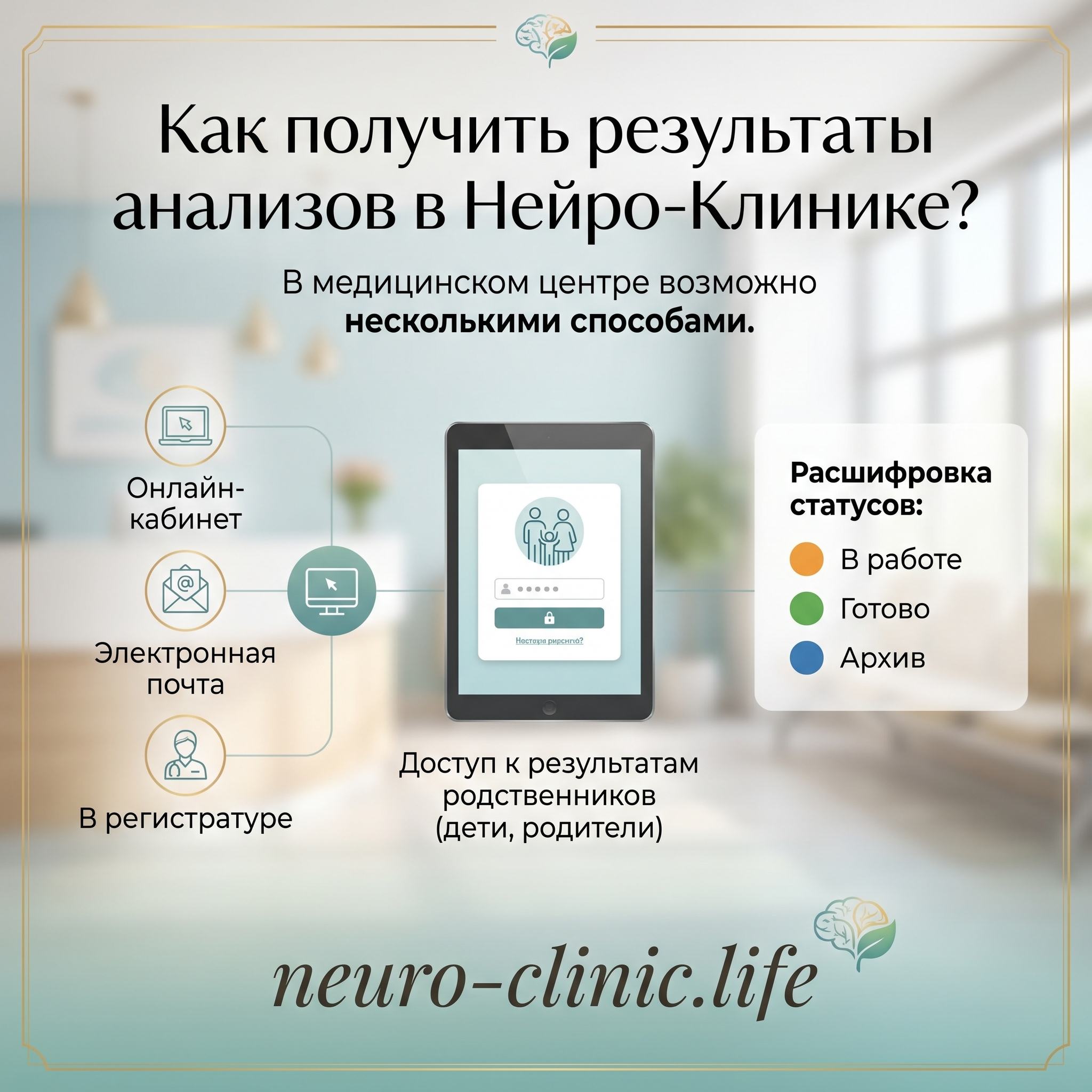
The fastest way to check whether your tests are ready and to see the results is to use the Patient Account on the website or in the mobile app.
There you can also track not only your own results, but also the test data of relatives (for example, children or parents), provided that their profile is linked to your phone number.
If you prefer a paper copy or do not have internet access, the finished documents will be issued to you at the reception desk of any NEURO-CLINIC branch.
Important: results are issued only to the patient, their legal representative or another person who has the legal right to access medical confidentiality.
Results can be duplicated by e-mail if you provided your e-mail address when signing the contract or personally requested it at the reception desk (during an in-person visit).
Please note: only one e-mail address can be recorded in the patient’s file. Don’t forget to check your Spam folder — e-mails with results sometimes end up there.

In the Patient Account you may see one of the following statuses:
Special case: for some types of tests (for example, prenatal biochemical screening, histology, HIV tests) the results are not uploaded to the Patient Account. In this case the status will be shown as “Ready — contact the reception desk”. Such results can be collected in person at a doctor’s appointment or at the reception desk. The issuing rules (only to the patient, their representative or an authorised person) remain in force.
To view a relative’s test data, their profile must be linked to your phone number. Linking is done only during a personal visit of both of you (you and the relative) to any branch of the clinic.
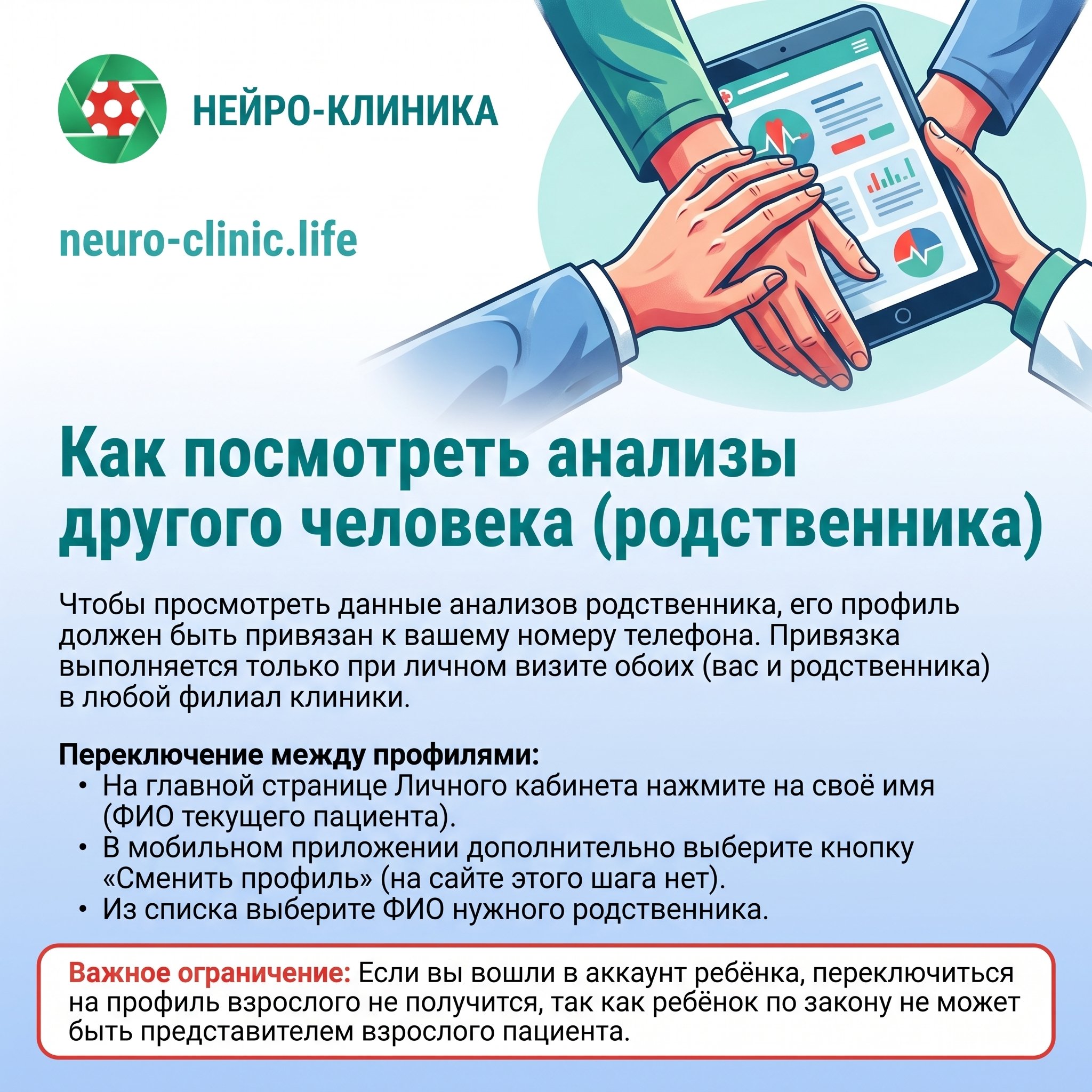
Switching between profiles:
If the person you need is not in the profile-switching list, the linking has not been done. Contact the reception desk of any clinic to arrange it.
Important limitation: if you are logged in to a child’s account, you will not be able to switch to an adult’s profile, since by law a child cannot be the representative of an adult patient.


